For a desk that lives in a browser, an inexpensive Intel N150 mini PC can make more sense than a powerful Ryzen box. The step up pays off when work includes large data files, code builds, creative apps or a third display. Start with your monitors and software, then pick the processor.
| Office setup | Better fit | Why |
|---|---|---|
| Two HDMI monitors, documents and meetings | Beelink Mini S13 | Its listed 16GB RAM and dual HDMI cover a basic desk |
| Several demanding apps open together | Beelink SER8 | Eight-core Ryzen 7, 32GB DDR5 and two SSD slots |
| Four display outputs or more fast peripherals | MINISFORUM UM890 Pro | HDMI, DisplayPort and two USB4 ports |
The Mini S13 covers the common desk
The 16GB/500GB N150 listing is equipped for email, documents, browser-based accounting and video meetings. Two HDMI sockets are an uncomplicated route to dual monitors. Its smaller processor and integrated graphics are the limits: large photo batches, video exports and 3D work are better handled by the Ryzen models below. A 500GB SSD may also fill quickly if the PC stores media or project files locally.
Beelink Mini S13 (Intel N150, 16GB/500GB)
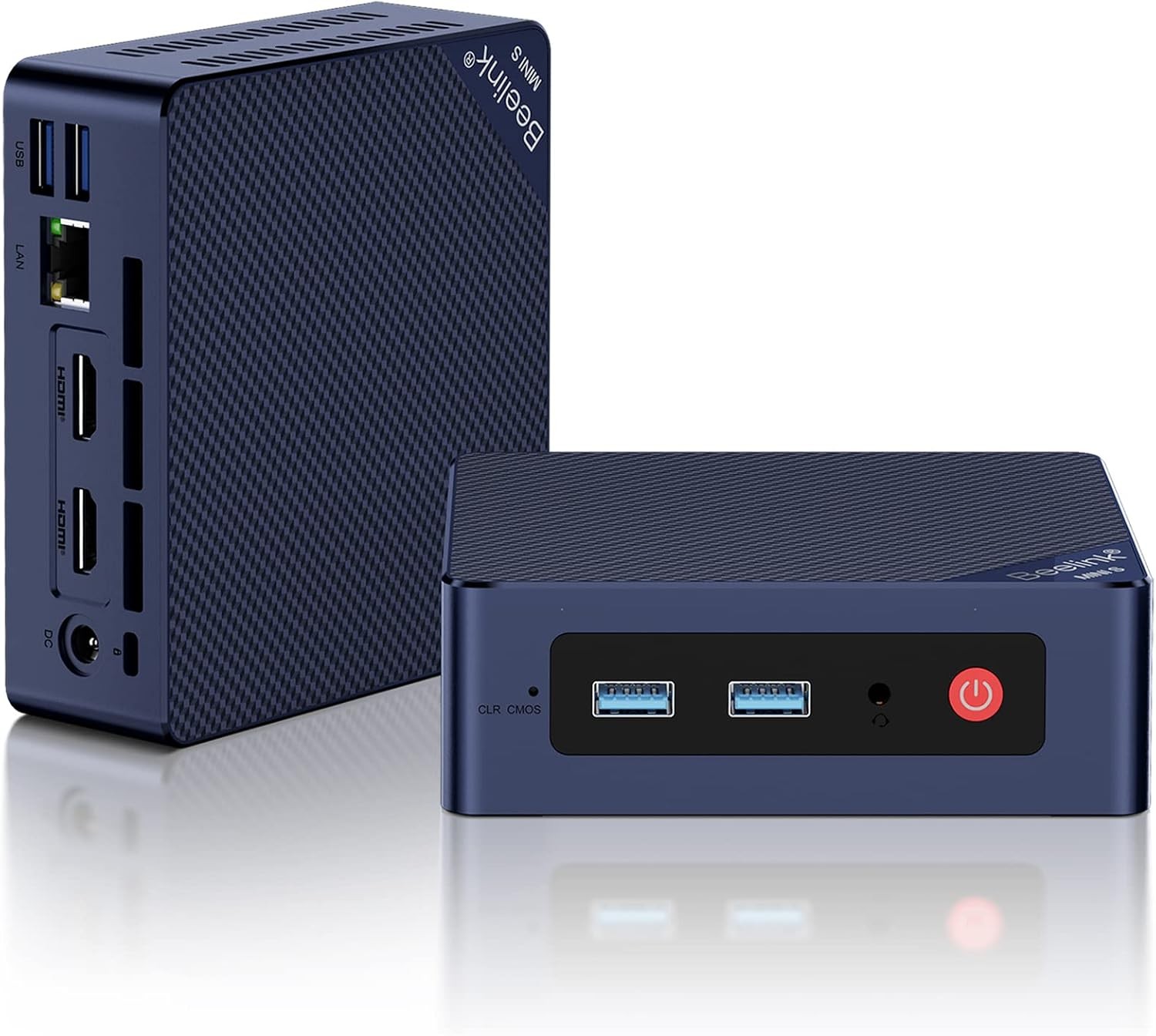
Processor: Intel N150
Graphics: Intel integrated graphics
Listed configuration: 16GB DDR4 / 500GB SSD
The SER8 is the step up for mixed work
The SER8’s Ryzen 7 8745HS and Radeon 780M offer more room for demanding desktop work and light gaming after hours. The listed 32GB RAM is useful when memory-hungry apps share the screen with many browser tabs. Beelink also provides HDMI, DisplayPort and USB4 video output, plus two M.2 SSD positions. If your only workload is email and spreadsheets, you are paying for capability you may not use.
Beelink SER8 (Ryzen 7 8745HS, 32GB/1TB)
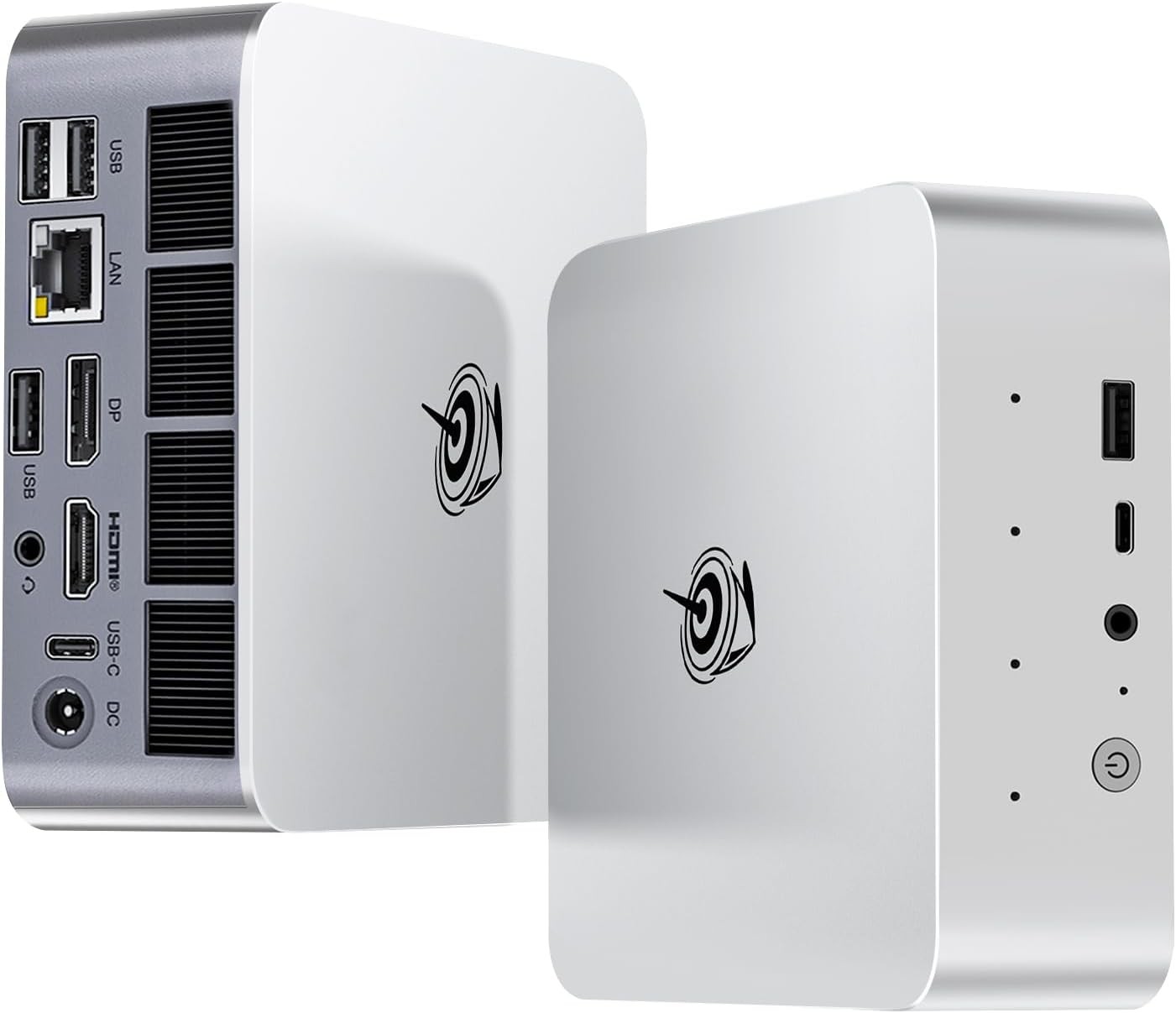
Processor: Ryzen 7 8745HS
Graphics: Radeon 780M
Listed configuration: 32GB DDR5 / 1TB SSD
UM890 Pro: choose it for the connections
The UM890 Pro has a Ryzen 9 8945HS, but the clearer reason to buy it for an office is its port layout. MINISFORUM lists HDMI, DisplayPort and two USB4 outputs, supporting up to four displays in its specified configuration. It also has dual 2.5Gb Ethernet. Check that your USB-C monitor or dock supports the video mode you plan to use; a USB-C shape by itself does not guarantee the same features on every accessory.
MINISFORUM UM890 Pro (Ryzen 9 8945HS, 32GB/1TB)
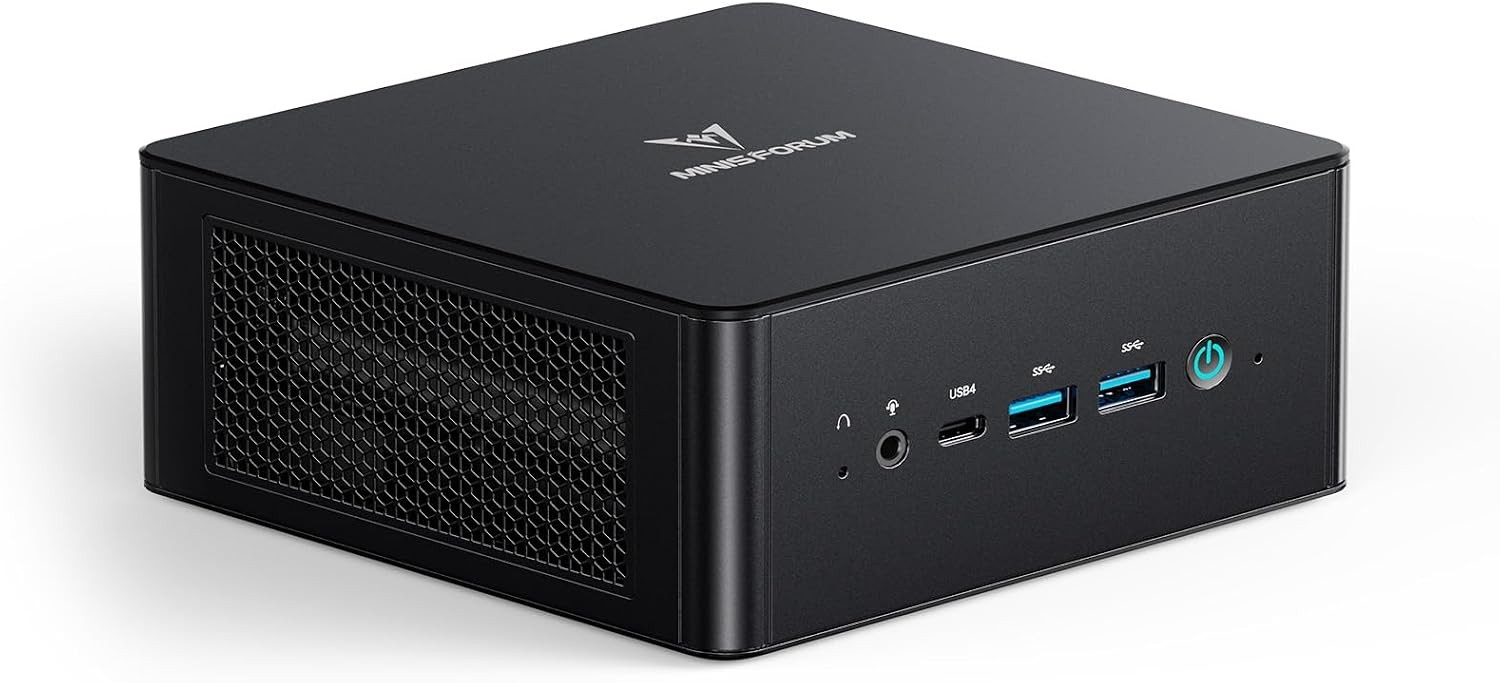
Processor: Ryzen 9 8945HS
Graphics: Radeon 780M
Listed configuration: 32GB DDR5 / 1TB SSD
A few checks that prevent desk surprises
Read the exact listing for the installed operating system, RAM and SSD. Confirm the connector on each monitor rather than assuming the included cable will fit. If you need a quiet room for calls, read recent owner comments about fan noise for the exact model and plan for normal ventilation around the case. None of these boxes includes a monitor, keyboard or mouse in the listed PC configuration.